Page
1-inch margins on all sides, double spacing with no extra space between paragraphs, and text aligned left, not justified.
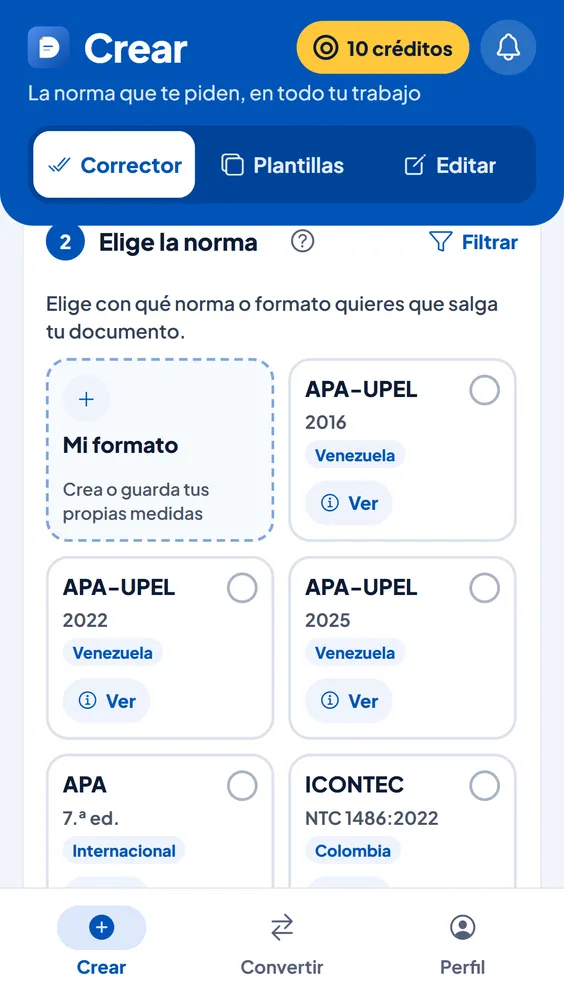
Upload your Word file, choose “APA 7” and DocPana applies what the 7th edition asks for: margins, font, double spacing, a 0.5-inch indent, heading levels, block quotations, page numbers and the reference list.
Free with your account, on a computer or a phone.
1-inch margins on all sides, double spacing with no extra space between paragraphs, and text aligned left, not justified.
Level 1 centered and bold, level 2 flush left and bold, level 3 bold italic, and levels 4 and 5 indented.
In their own paragraph, indented 0.5 inch and double-spaced, with the page at the end.
On a new page, with “References” centered and bold, in alphabetical order and with a 0.5-inch hanging indent.
From the Android app or from your browser, on a computer or a phone.
In the list of style guides. Turn on Panita to review spelling and wording if you like.
In Word or PDF, with a report of what changed.
| Margins | 1 inch (2.54 cm) on all sides |
|---|---|
| Font | Times New Roman 12 |
| Line spacing | Double, no extra space between paragraphs |
| Alignment | Left, not justified |
| Indent | 0.5 inch (1.27 cm) on the first line |
| Page number | Top right |
| References | New page, alphabetical order and a 0.5-inch hanging indent |
Yes. The 7th is the current edition of APA Style: there is no “8th edition” published by the APA.
APA 7 accepts several fonts, such as Calibri 11, Arial 11 or Georgia 11. If your professor wants one other than Times New Roman 12, use “Customize this style guide” and pick yours.
DocPana puts it on its own page, centered and with the title in bold, and the text starts on the next page. Check it has what your professor asks for: title, author, affiliation, course, instructor and date.
No. In-text citations stay as you wrote them, because turning “(García, 2020)” into “[1]” requires knowing which reference each one points to. If they don’t match the chosen style, the report tells you.
Can’t find your answer? Write to us at soporte@docpana.com


Upload your Word file and DocPana applies the style you were asked for: margins, citations and references in minutes.