Editable text, not a photo
You get a Word file or PDF with the text typed out, not the photo pasted onto a page.
Take photos of your notes, worksheets or homework, printed or handwritten, and DocPana gives you back a new document with text you can edit, laid out like the page: headings, lists, tables and boxes.
Free with your account, on a computer or a phone.
You get a Word file or PDF with the text typed out, not the photo pasted onto a page.
Headings, bullets, numbering, tables, boxes and blanks to fill in are kept.
It reads printed and handwritten pages, accents included. The clearer the handwriting and the photo, the better the result.
Crop it by the corners, rotate it, change the order and choose how it looks: original, enhanced, black and white or gray.
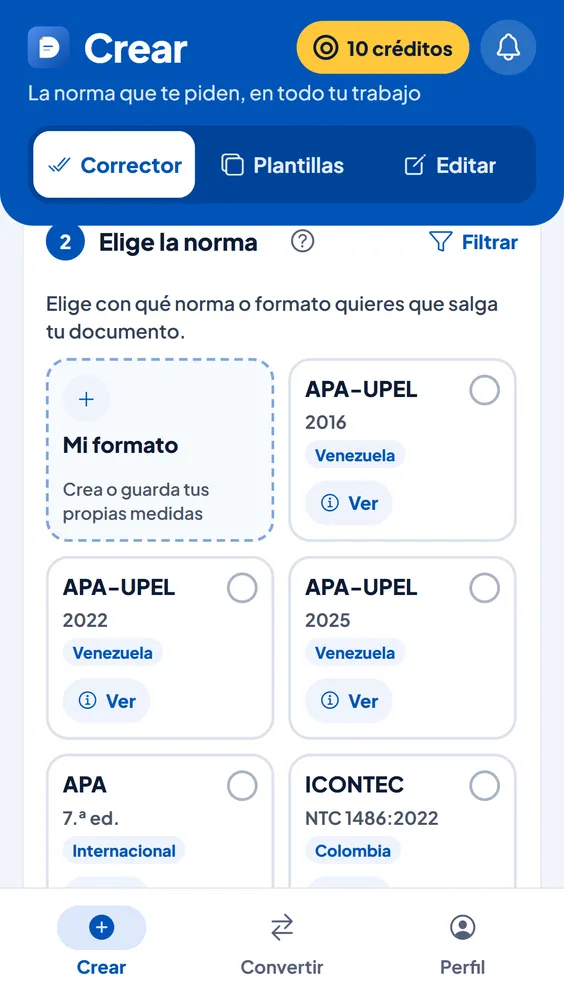
Panita fixes the spelling of what was read and, if you choose a style guide or your format, the document comes out in it.
If a photo is too dark, blurry or has no text, it tells you which one and why. If none could be read, your credits are returned.
With your phone’s or computer’s camera, or by choosing photos you already have.
Crop, rotate and order the photos. Choose Word or PDF and, if you like, Panita and a style guide.
With the text ready to edit. It stays in your history.
| Every 5 photos or fewer | 1 credit |
|---|---|
| With Panita | 1 more credit |
| With a style guide | 1 more credit |
| Photos a day | Free: 30 · Basic: 100 · Pro: 300 |
| Out | A Word file (.docx) or a PDF |
The text. DocPana reads each page and builds a new document with text you can edit; it doesn’t paste the photo onto a page.
Yes, if it’s legible. Very messy handwriting or a blurry or dark photo can come out with mistakes: check the document before handing it in.
It depends on your plan: 30 a day on the Free plan, 100 on Basic and 300 on Pro.
One page per photo, straight on, in good light without shadows, with all four edges of the page showing.
Can’t find your answer? Write to us at soporte@docpana.com


Upload your Word file and DocPana applies the style you were asked for: margins, citations and references in minutes.